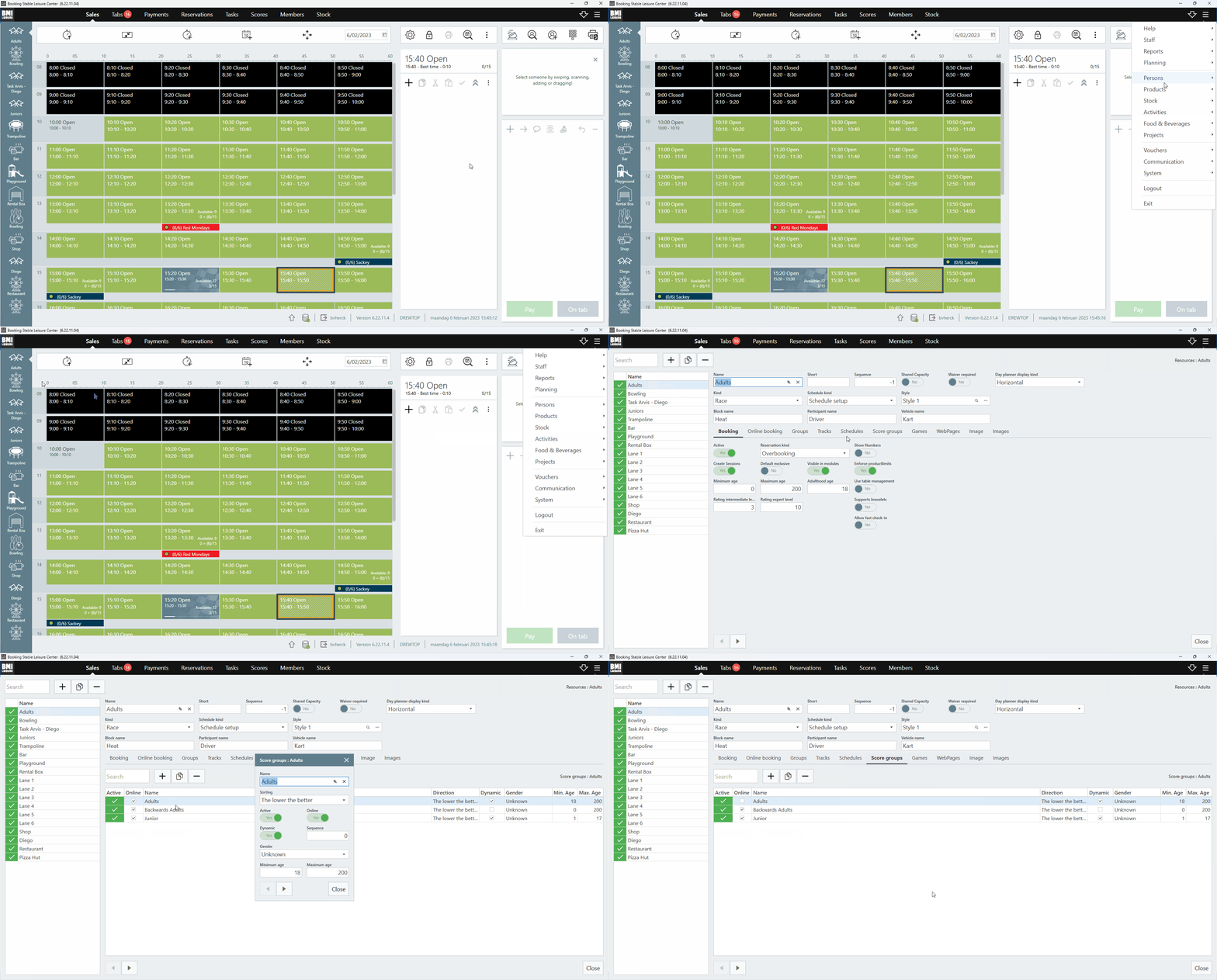
- Open the ‘Menu’ in the top right corner of the application
- Go to ‘Activities’
- Go to ‘Resources’, the resource overview page will open
- Open the correct resource where the scoregroup is linked to (most likely this will be your KARTING resource)
- Select the ‘Score groups’ tab
- Double click on the scoregroup you would like to hide
- Disable ‘Online’ option on that scoregroup
- Confirm with ‘Save’
English
![logo_big_darkBG@2x.png]](https://support.bmileisure.com/hs-fs/hubfs/logo_big_darkBG@2x.png?height=50&name=logo_big_darkBG@2x.png)